

Agents
What is an Agent?
What is an Agent?
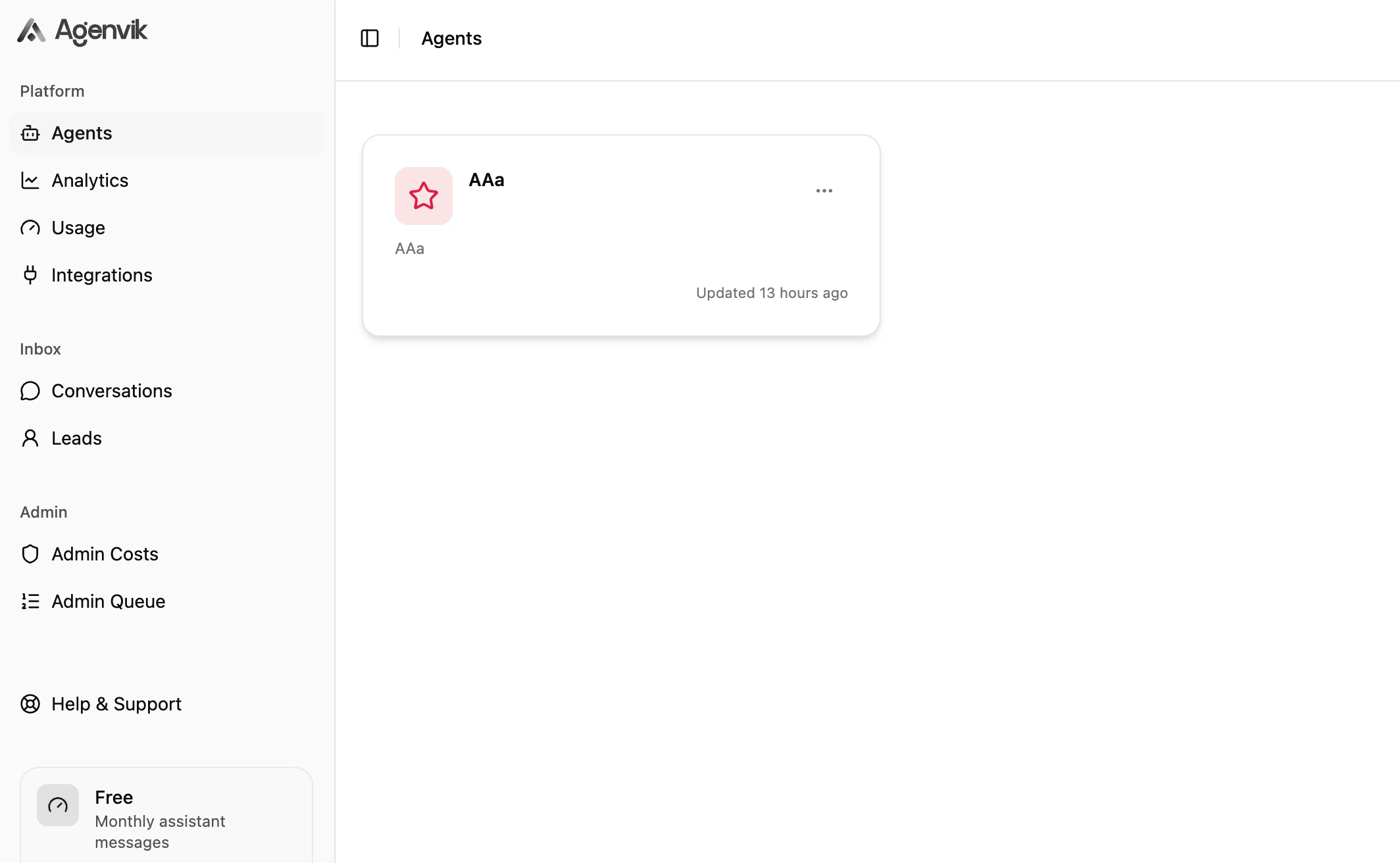
An Agent is an AI assistant configured for a specific use case. It has its own Knowledge Sources, Behaviour, Channels, Actions, and analytics.
Why can I not create another Agent?
Why can I not create another Agent?
Your workspace may have reached its active Agent limit. Archive an unused Agent or review your subscription.
Can I restore an archived Agent?
Can I restore an archived Agent?
Yes, if your workspace has active Agent capacity available for your plan.
Knowledge and training
Which Knowledge Sources are supported?
Which Knowledge Sources are supported?
Agenvik currently supports Text sources and Q&A sources.
Why is Train disabled?
Why is Train disabled?
Training can be disabled when no source is ready, the Agent is locked, or the daily training limit has been reached.
Should I use Text or Q&A?
Should I use Text or Q&A?
Use Text for broader content and Q&A for precise answers to common or sensitive questions.
Channels and integrations
Where do I customize the web chat?
Where do I customize the web chat?
Open an Agent and edit the Channel card to set display name, subtitle, welcome message, input placeholder, and primary color.
Why is WhatsApp locked?
Why is WhatsApp locked?
WhatsApp is available on paid plans. You also need to connect WhatsApp Business from Integrations before assigning a phone number to an Agent.
Can one WhatsApp number be used by multiple Agents?
Can one WhatsApp number be used by multiple Agents?
No. A phone number can be assigned to one Agent at a time.
Leads and analytics
Why do I not see leads?
Why do I not see leads?
Lead Generation must be available on your plan, enabled on the Agent, and triggered during conversation.
Why are Analytics charts locked?
Why are Analytics charts locked?
Detailed Analytics are available on Starter and above. Overview cards may still be visible on other plans.
How do I improve an Agent after launch?
How do I improve an Agent after launch?
Review Conversations for weak answers and Analytics for patterns. Then update Knowledge Sources or Behaviour.
Next steps
Troubleshooting
Work through common issues.
Contact support
Send useful details to support.