

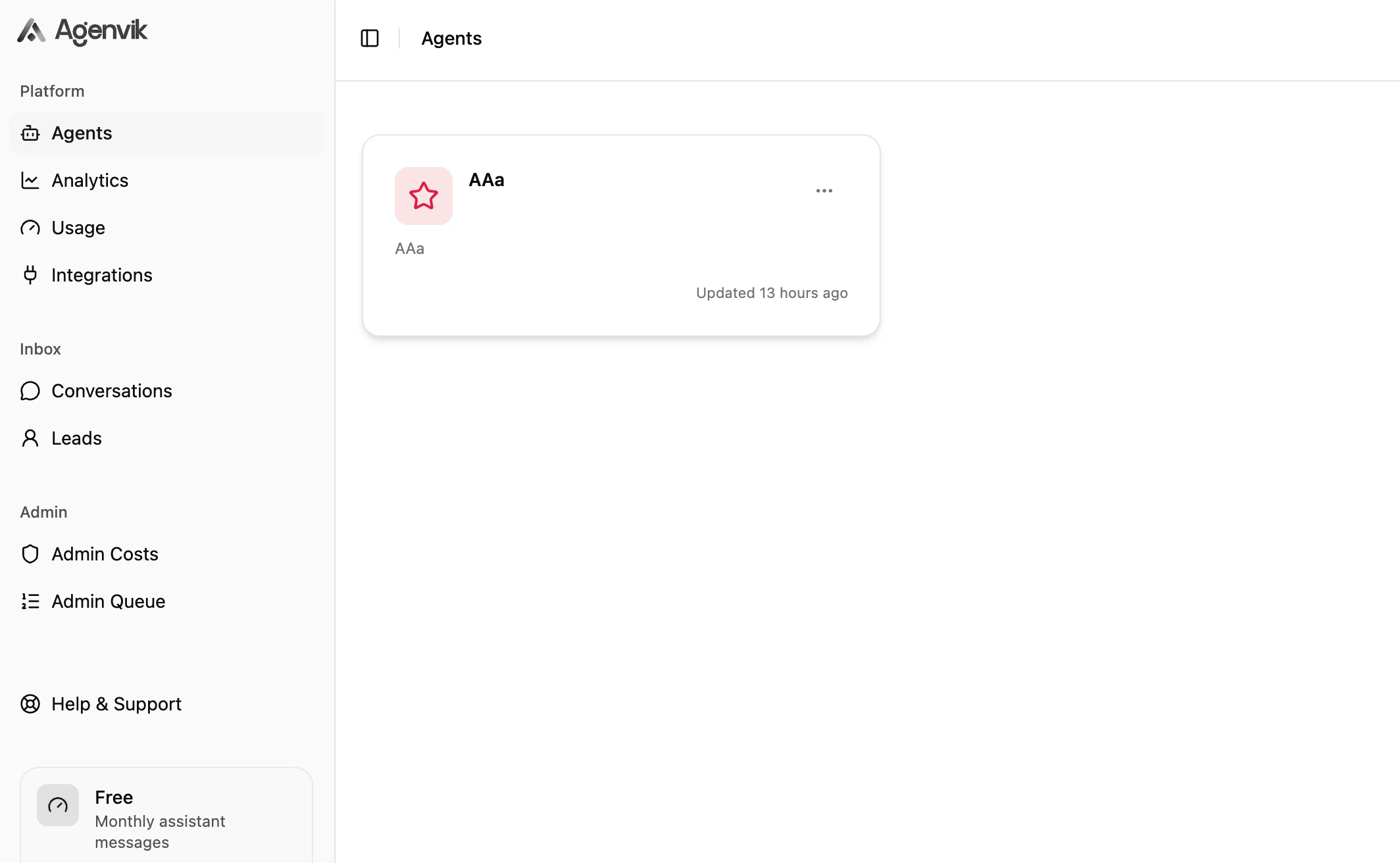
Start learning
Build your first agent
Create an agent, add knowledge, train it, and test it in the dashboard.
Add knowledge sources
Use Text and Q&A sources so your agent can answer from trusted content.
Deploy on web or WhatsApp
Configure the web Channel and connect WhatsApp when your workspace is ready.
Review conversations
Inspect real conversations and learn what customers are asking.
Track analytics
Measure messages, channels, sentiment, topics, countries, and top agents.
How Agenvik is organized
Knowledge Sources
Knowledge Sources contain the text and Q&A content your agent uses when answering questions.
Channels and Actions
Channels decide where the agent appears. Actions let the agent collect useful information, such as leads.
Popular paths
I am setting up Agenvik for the first time
Follow the quick start from agent creation to testing.
I am preparing for launch
Review behaviour, channels, appearance, and support handoff before going live.
I need help with limits
Understand plan limits for agents, knowledge sources, messages, training, analytics, and paid features.
Something is not working
Use the troubleshooting guide to isolate setup, training, widget, and WhatsApp issues.