

What you will learn
- What you can manage from an Agent page
- How Agent status affects editing and launch
- How to choose the next guide for your setup task
Agent list
The Agents page shows every Agent in your workspace. From here, you can create a new Agent, open an existing Agent, edit its name, archive it, or restore it.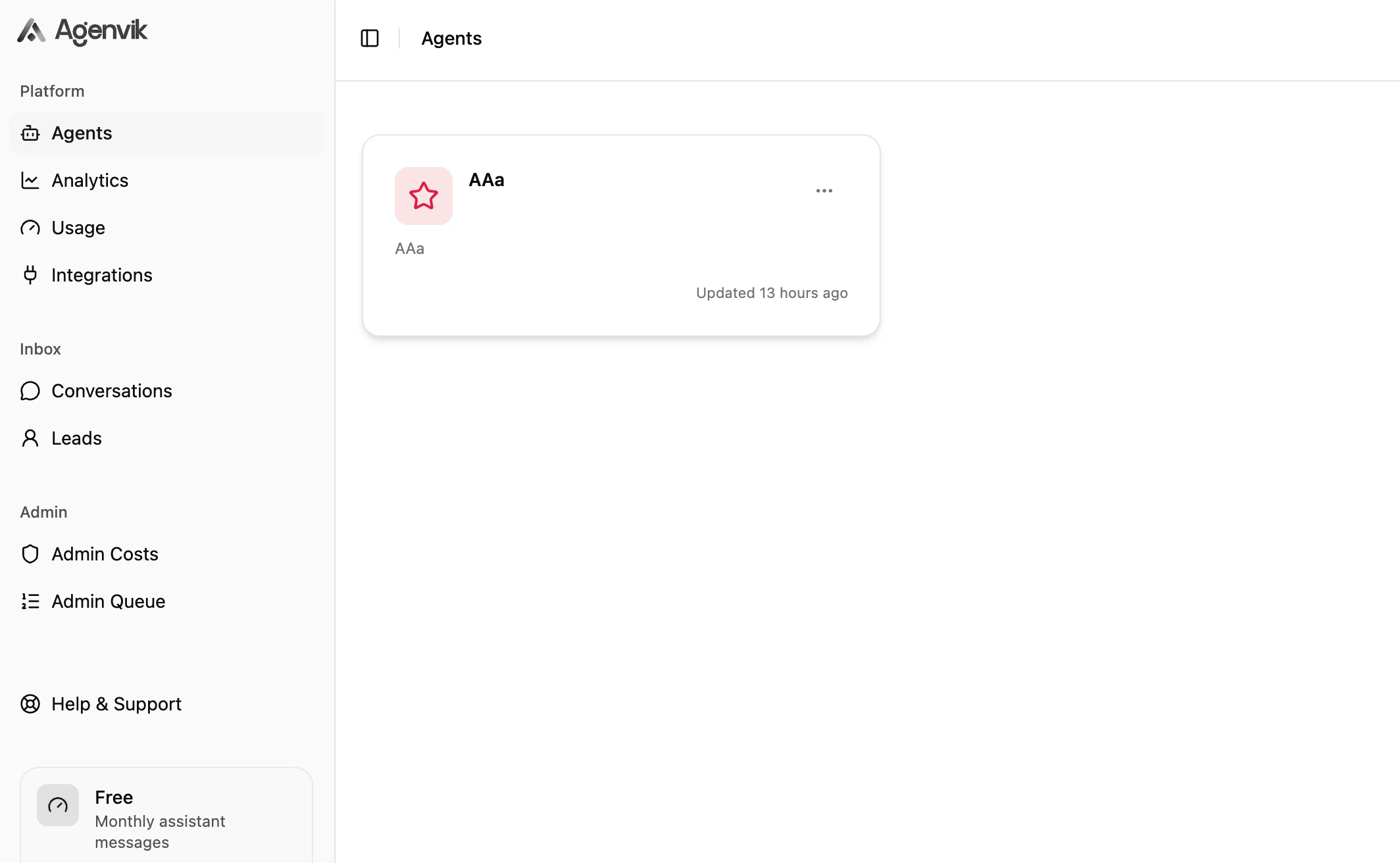
Agent detail page
Open an Agent to configure the working parts of the assistant.
- Knowledge Sources for Text and Q&A content
- Behaviour for prompt, tone, verbosity, fallback, and guardrails
- Channel for web chat display settings
- WhatsApp Channel for assigning a connected WhatsApp number
- Actions for Lead Generation
- Web Preview for testing appearance and first impressions
Recommended setup order
Next steps
Knowledge Sources
Add the content your Agent will answer from.
Behaviour
Shape how your Agent speaks and handles unknowns.